
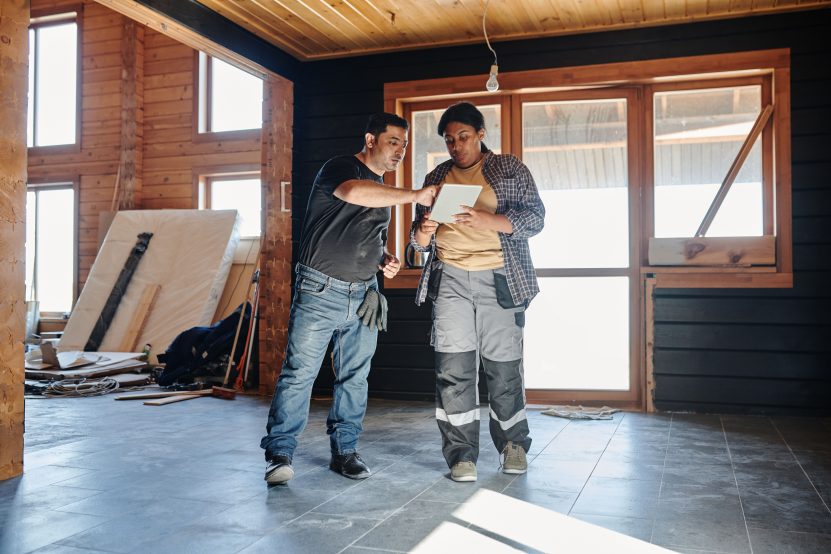
Home renovation planning used to mean a tape measure, a folder of brochures and several conversations in which everyone imagined a slightly different room. Technology has not eliminated the difficult decisions, but it has made those decisions easier to see, compare and document.
That distinction matters. A phone can help create a floor plan; it cannot tell you whether a wall is load-bearing. A visualisation can show how a new kitchen might look; it cannot approve electrical work. The best renovation technology is not a replacement for judgement. It is a way to establish a more accurate shared starting point before money and materials are committed.
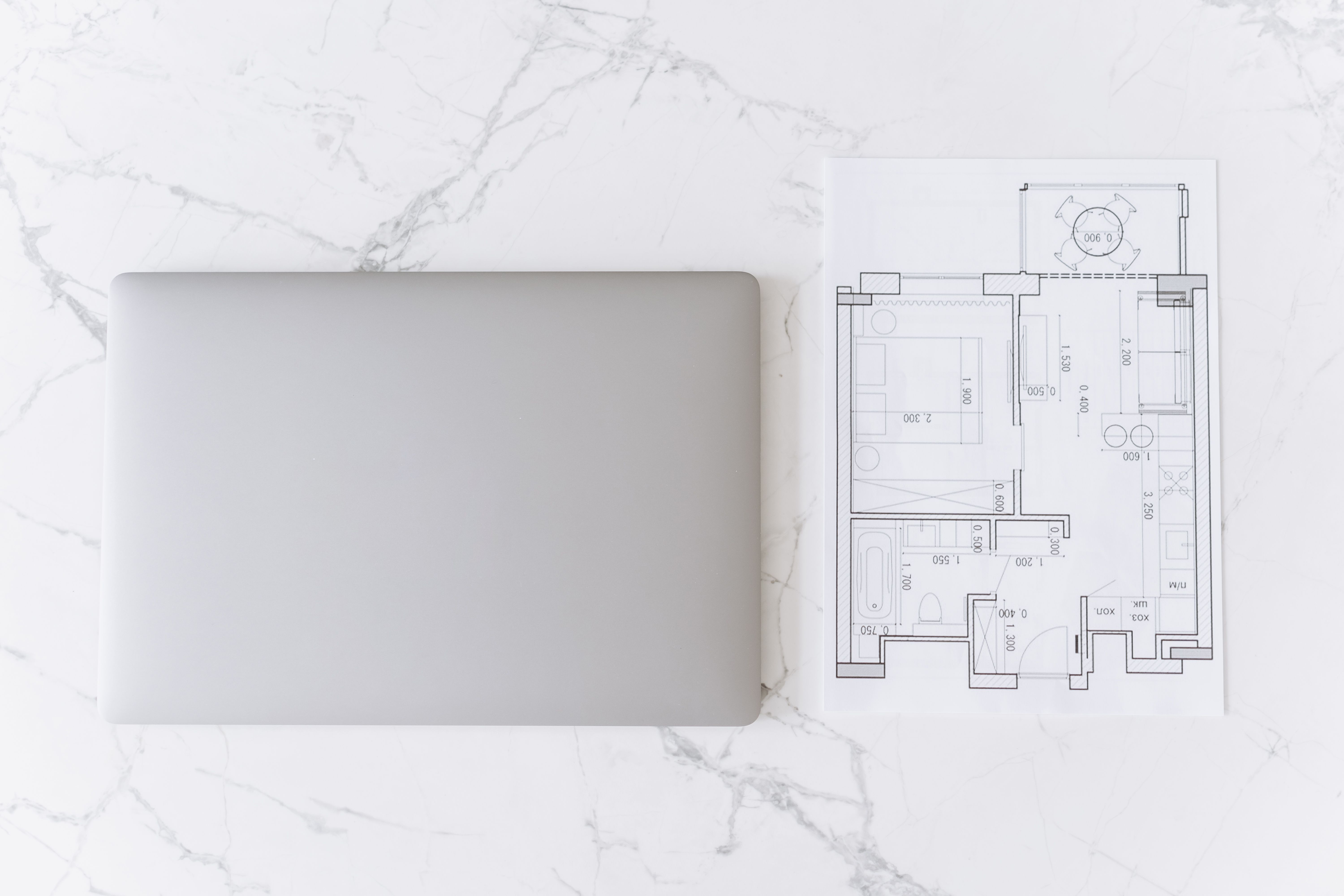
Table of Contents
- Start with a digital version of the existing home
- Test layouts before buying materials
- Use measurements to control waste and surprises
- Plan for performance, not just appearance
- Keep the project understandable to everyone
- Know what software cannot decide
- A practical technology-assisted workflow
- Frequently asked questions
Start with a digital version of the existing home
The first planning error is often not a bad design idea. It is an inaccurate description of the room that is being redesigned. A wall gets measured from the wrong corner, a radiator is omitted from a sketch, or a doorway swing is forgotten. Each small mistake can travel into a quotation, a cabinet order or a construction sequence.
Room-scanning tools reduce that friction. Apple’s RoomPlan documentation describes a camera and LiDAR-based system that can identify walls, windows, openings, doors and common room objects, then output a modifiable three-dimensional representation. That kind of capture gives a homeowner, designer and contractor something more useful than a collection of memory-based descriptions.
It is still a starting point, not a survey. Apple’s own guidance says scanning quality depends on lighting, movement, distance and the room’s surfaces. Mirrors, glass, dark finishes and high ceilings can make capture more difficult. For important dimensions, confirm the scan with a conventional tape measure or a professional measurement.
Test layouts before buying materials
Once the existing room is represented digitally, planning tools can make alternatives cheaper to explore. A homeowner can compare an island that leaves a generous walkway with one that creates a cramped route, or test whether a sofa blocks a door before it arrives at the house.
This is where augmented reality and three-dimensional design are most useful: not as a promise that the final room will look exactly like the screen, but as a way to expose spatial problems early. A digital model can help answer practical questions such as:
- Does furniture obstruct a window, radiator, outlet or door swing?
- Can people move through the room without crossing the main work zone?
- Will the chosen storage fit once skirting boards, trim and appliance clearances are included?
- Does the proposed lighting plan serve the tasks that will happen there?
My view is that visualisation is most valuable when it is used to reject ideas. It is easy to fall in love with a polished render. It is more useful to discover, before ordering anything, that the beautiful arrangement leaves nowhere sensible to put a bin, open a cupboard or carry laundry through the room.
Use measurements to control waste and surprises
Renovation technology also turns measurements into quantities. Flooring calculators, paint estimators, cabinet configurators and material schedules can translate a room’s dimensions into a preliminary purchasing plan. That does not guarantee a perfect order, because waste, pattern matching, offcuts and site conditions still matter, but it gives the budget a more defensible foundation.

The sensible approach is to record measurements in two layers:
- Base measurements: room length, width, height, openings and fixed services.
- Decision measurements: clearances, appliance spaces, furniture footprints, access routes and installation zones.
That second layer is the one many quick apps miss. A room may be large enough for a dining table in theory, yet unusable once chairs are pulled out. A patio may fit a seating set on paper, yet leave no comfortable route to the garden. When planning an outdoor extension, it helps to compare the footprint and maintenance needs of options such as composite outdoor furniture alongside the available space, rather than treating furniture as a final decorative purchase.
Plan for performance, not just appearance
Digital planning is often associated with colours and layouts, but some of its most consequential uses are less photogenic. Energy-assessment tools can help identify where insulation, air sealing, ventilation, windows or heating equipment belong in the sequence of decisions.
The U.S. Department of Energy describes a home energy assessment as a way to identify energy use and compare possible improvements. A professional assessment may use a calibrated blower door and infrared imaging to locate air leakage and temperature differences. Its Building America tools and resources also frame renovation as a whole-house problem, where the envelope, heating, cooling, water heating, lighting and appliances affect one another.
That systems view changes the order of planning. Replacing a visible fitting may be satisfying, but it can be less valuable than fixing an air-leakage problem that affects comfort throughout the home. I would rather see a modest finish selected after the building’s performance priorities are understood than an expensive finish chosen before anyone has checked what the house is doing thermally.
Keep the project understandable to everyone
Renovation work involves more than the person who owns the home. Designers, tradespeople, suppliers and inspectors all need access to the same decisions. A shared digital folder or project platform can keep drawings, product information, photographs, approvals, questions and changes together instead of scattering them across text messages.

A useful project record should make it easy to answer four questions:
- What was agreed?
- Which version of the plan is current?
- Who is responsible for the next decision?
- What evidence supports the decision, such as a measurement, specification or approval?
Photographs are particularly useful when they are taken before walls are closed. A labelled image of pipe routes, cable runs or concealed framing can become valuable maintenance information later. The same record can also capture delivery issues, defects and changes without relying on someone’s memory months after the work.
Know what software cannot decide
The more convincing a digital model looks, the easier it is to over-trust it. A clean interface can hide uncertain measurements, missing information and assumptions that have not been checked on site.
| Planning detail | What the technology can provide | What still needs checking |
|---|---|---|
| Room geometry | A 3D representation of walls, openings, windows, doors and recognised objects | Critical dimensions, hidden conditions and irregular construction |
| Scan environment | Real-time guidance about movement, distance and lighting | Whether the captured result is accurate enough for a particular order or installation |
| Room size | Apple’s WWDC guidance describes best results for a single room up to about 30 by 30 feet | Larger, complex or obstructed spaces may need multiple scans or professional measurement |
| Multi-room planning | Later RoomPlan guidance describes merging rooms and a typical total area of up to about 2,000 square feet | Alignment between rooms, floor levels and any construction not visible to the sensor |
Source: Apple’s RoomPlan scanning guidance and Apple’s multi-room guidance. The figures describe guidance for that technology, not a guarantee for every scanning app or device.
There are also decisions that software should not make for you. Structural alterations, gas work, major electrical work, drainage changes, fire safety and local permissions require the appropriate professional or authority. A digital plan can help communicate the proposal, but it does not turn an unqualified person into a structural engineer, electrician or building inspector.
Safety belongs in the planning model too. In the United States, the Environmental Protection Agency says paid renovation work that disturbs painted surfaces in homes built before 1978 generally falls under lead-safe requirements. Its March 2026 lead-safe renovation guidance explains the need to assess the risk, contain dust and use trained or certified contractors where the rule applies. Local rules differ, so the relevant national and local requirements should be checked before work begins.
A practical technology-assisted workflow
Technology works best when each tool has a defined job. A simple planning sequence looks like this:
- Capture the existing condition. Scan or measure the rooms, then photograph fixed services, defects and access points.
- Verify the critical dimensions. Recheck anything that affects an order, structural decision, clearance or compliance question.
- Build two or three options. Change the layout, not just the colour palette, and record the trade-offs of each version.
- Check performance. Consider insulation, airtightness, ventilation, heating, cooling, lighting and water use before final finishes are selected.
- Price the options separately. Keep materials, labour, professional fees, permissions, waste and contingency visible rather than hiding them in one total.
- Share one current plan. Give the people making decisions and doing the work access to the same drawings, specifications and change log.
- Freeze decisions in stages. Confirm the layout first, then services, then products and finishes. This reduces expensive changes moving backwards through the sequence.
This workflow also protects against a common digital mistake: producing more information without making a decision. A dozen renders are not progress if the doorway, budget or heating strategy remains unresolved. The useful output is a shorter list of known choices, open questions and verified constraints.
Frequently Asked Questions
Plan with more evidence, not more screens
The real advantage of renovation technology is not that it makes a project feel futuristic. It makes assumptions visible. A scan exposes the geometry, a visual model exposes the clearance problem, an energy assessment exposes the performance issue and a shared record exposes the unresolved decision.
Used that way, technology makes home renovation planning calmer and more accountable. The final plan will still require measurements, professional judgement and sometimes a willingness to change course. But fewer decisions have to be made from memory, and that is exactly where a renovation becomes easier to manage.